



Your first breath
of the internet
ZeroTabs is a free new tab extension for Chrome and Chromium browsers.
A quieter place to begin, with the useful things from your browser day already close.
Free. Requires a free KnowMan account. Your workspace syncs across your computers.
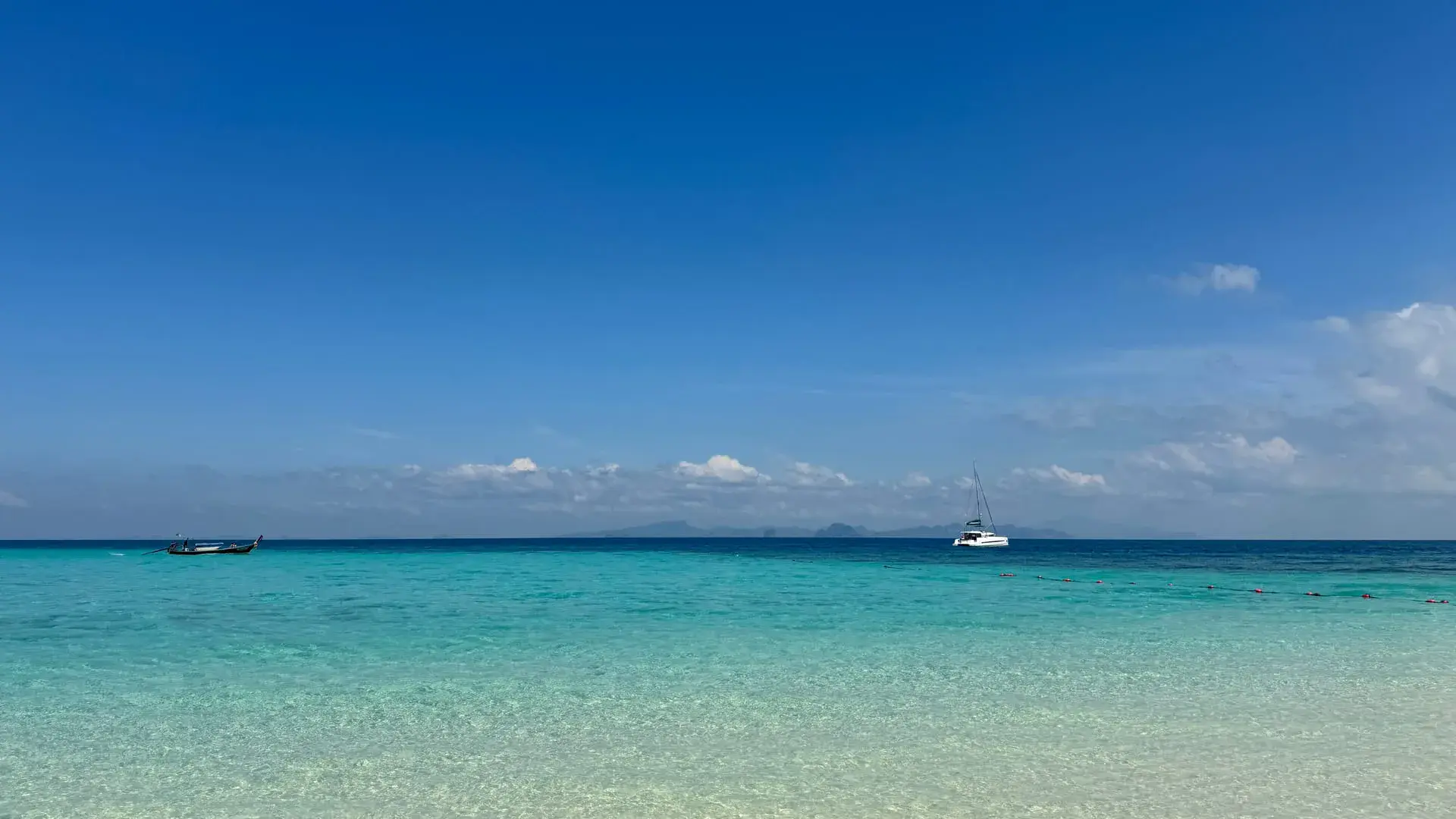
Open in Chrome Web StoreWhat a ZeroTabs new tab shows: a daily photo, greeting, time, weather and today’s intention.
A new photograph each day, a greeting, the time, weather, today’s intention, and your things one click away.
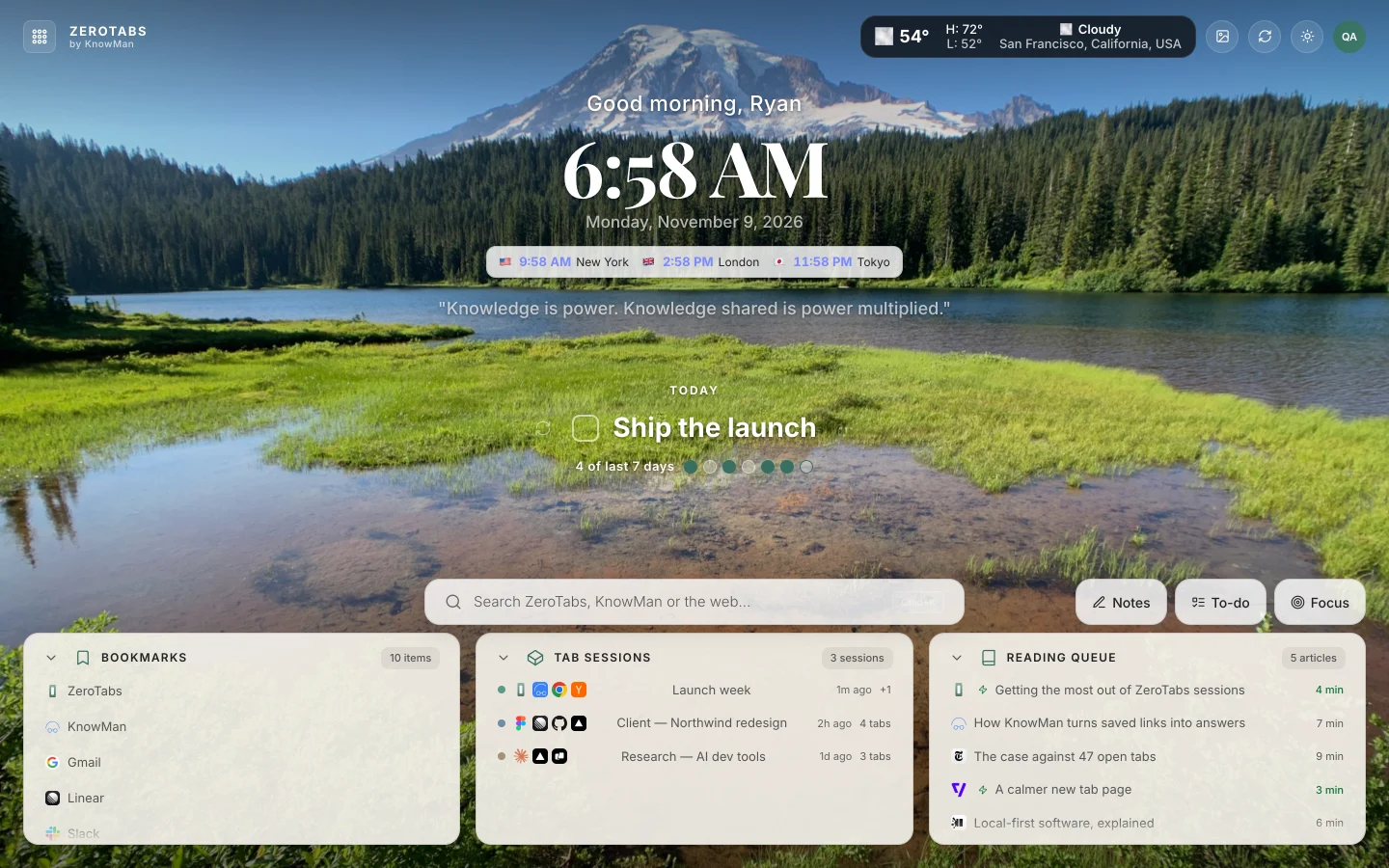
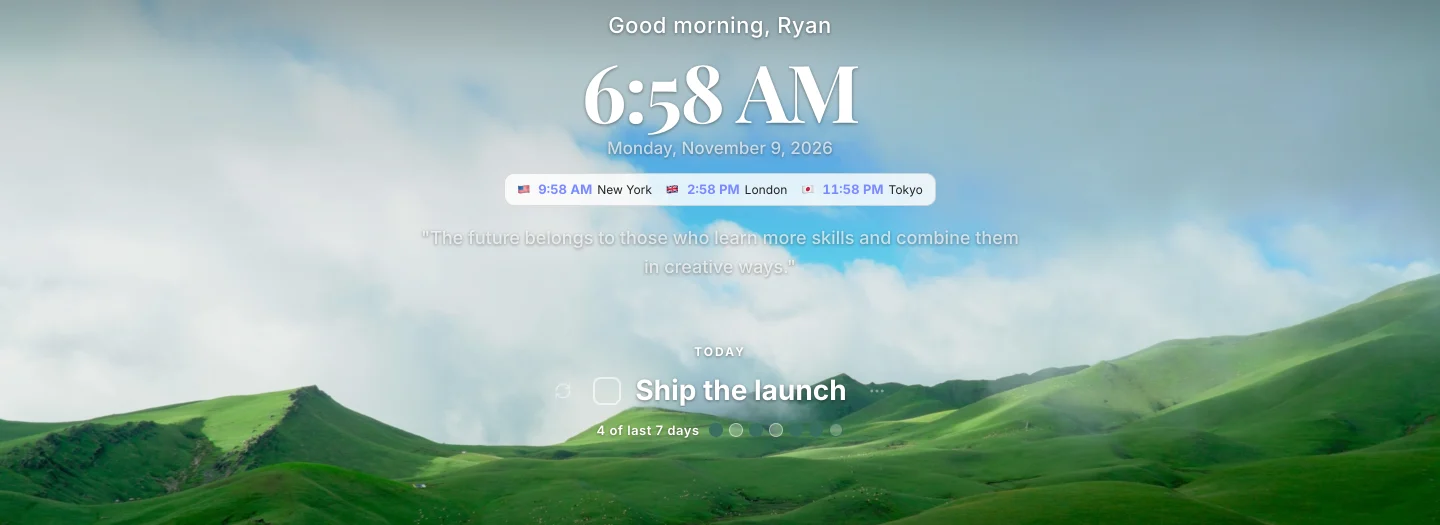
Begin with one intention.
Your time, weather, and intention share the same quiet space.
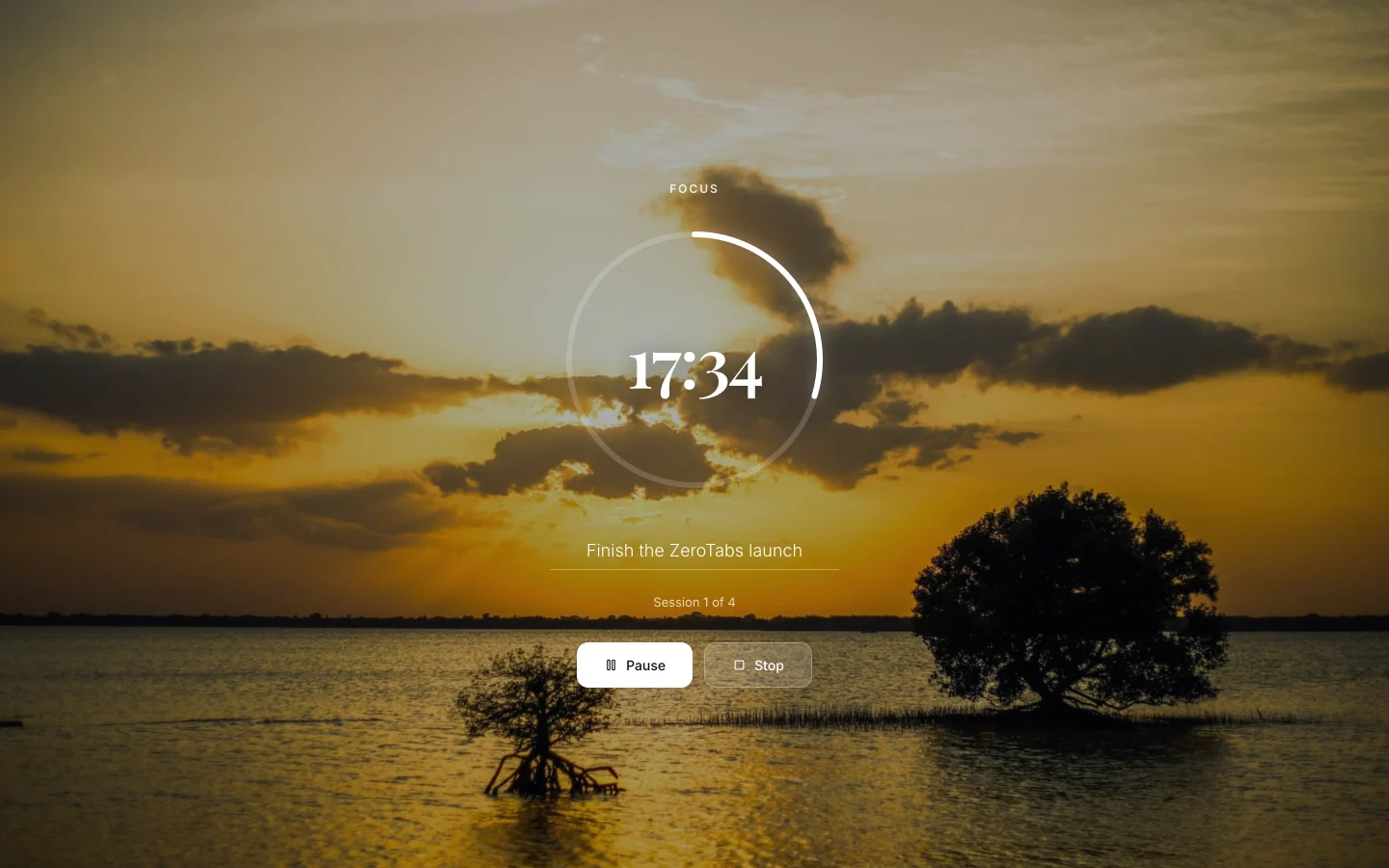
When it’s time to focus, the whole screen agrees.
Quietly powerful
A considered start page, with your browser day within reach.
Make it yours.
Choose photography, a gradient, generative art, or just the clock.
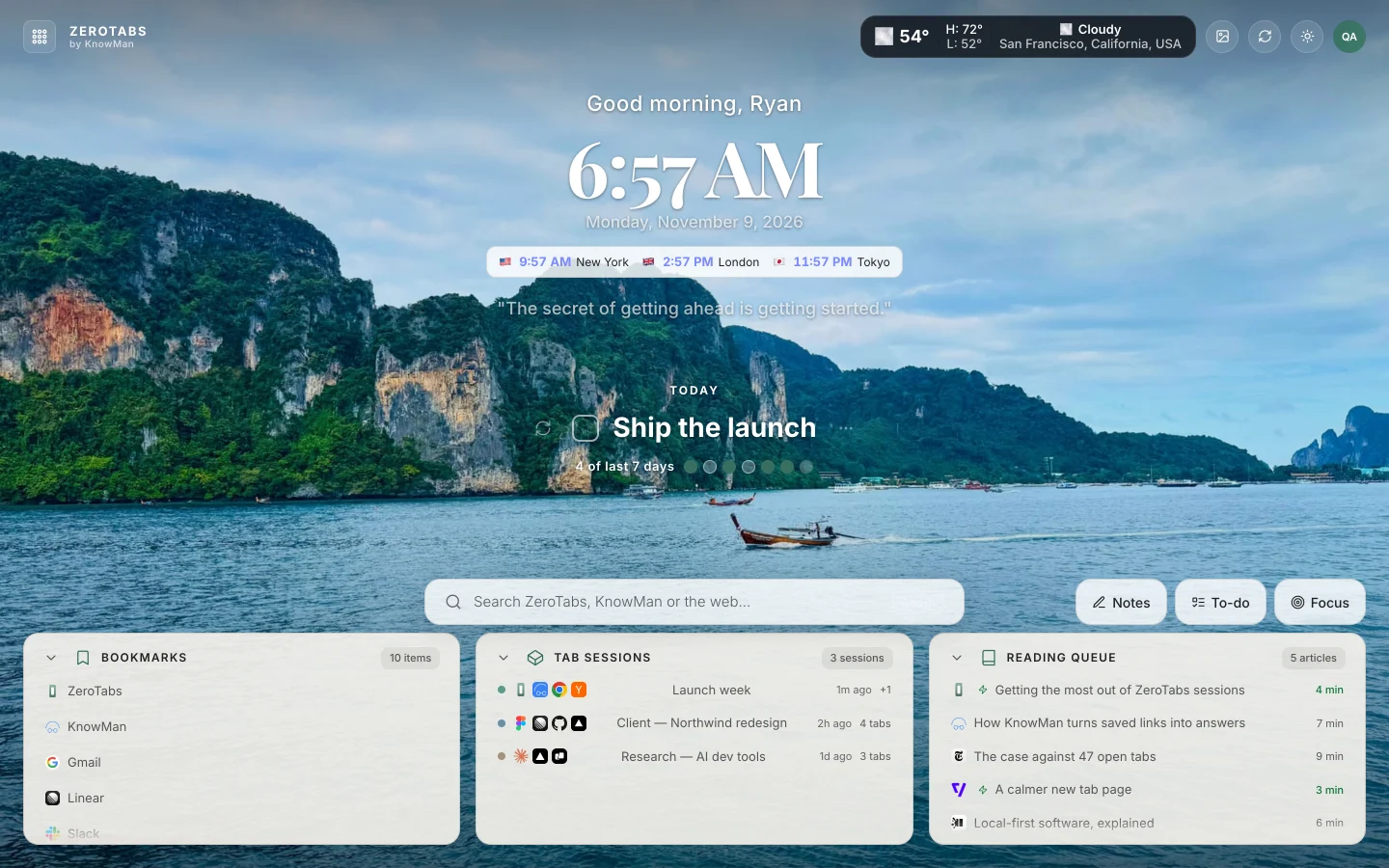





A new photograph every day.
Fewer tabs. More room to think.
A few keys. A little less reaching.
Choose a shortcut to see where it takes you.
Save open tabs as a named session, then reopen them together later.
Ctrl on Windows.
A free Momentum alternative, with your browser day in view.
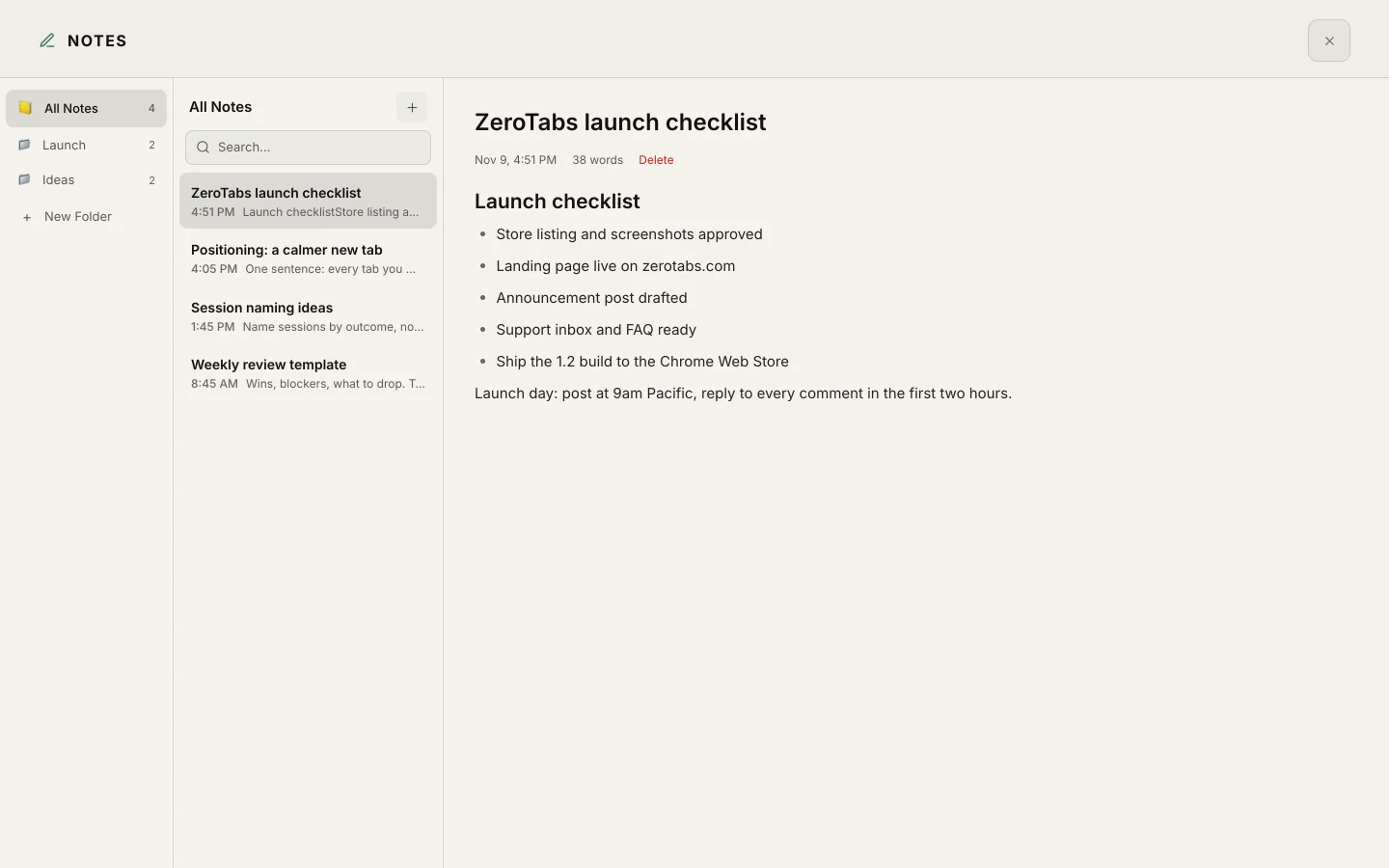
Momentum makes a new tab feel like a daily reset. ZeroTabs makes it easier to pick up where your browser left off: your bookmarks, saved sessions, reading queue, notes, and focus timer, together.
Keep your browsing yours.
ZeroTabs does not read page content or collect your browsing history. Chrome bookmarks are shown, never changed, and precise location is used only if you turn it on.
- No page content read
- No browsing history collected
- Bookmarks shown, never changed
- Precise location only if you turn it on
Built by KnowMan
A calm new tab, made by the team behind KnowMan.
KnowMan ZeroTabs on KnowManA few things you might wonder.
What is ZeroTabs?
ZeroTabs (sometimes written "zero tabs") is a free new tab extension for Chrome with a calm personal dashboard for bookmarks, sessions, reading, notes, to-dos, focus, weather, and world clocks. It requires a free KnowMan account and syncs your workspace across computers.
Is ZeroTabs free?
Yes. ZeroTabs is free, has no ads, and has no paid tier. A free KnowMan account is required, and your workspace syncs across computers.
Do I need a KnowMan account?
Yes. ZeroTabs requires a free KnowMan account, and your workspace syncs across computers. Chrome bookmarks stay in Chrome.
How do I save all my open tabs at once?
Select the ZeroTabs toolbar icon to sweep the window’s open tabs into a named session. The sweep keeps one ZeroTabs tab open.
Can I reopen a saved tab session later?
Yes. Choose Open All on a saved session to reopen its tabs. You can also share sessions as links or export and import a JSON backup.
Does ZeroTabs read my browsing history?
ZeroTabs does not collect browsing history or read page content. Chrome bookmarks are displayed and never changed.
Which browsers does it work in?
ZeroTabs is listed in the Chrome Web Store for Chrome and Chromium-based browsers such as Brave, Microsoft Edge, Arc, Vivaldi and Opera.
Is ZeroTabs a good Momentum alternative?
ZeroTabs is a free Momentum alternative with Chrome bookmarks, saved tab sessions, a reading queue, notes, to-dos, and a focus timer. It requires a free KnowMan account and syncs your workspace across computers.
Can I turn widgets off?
Yes. Every widget in ZeroTabs can be turned off.
What keyboard shortcuts does it have?
On a Mac: ⌘K search, ⌘1 bookmarks, ⌘2 tab sessions, ⌘3 reading queue, ⌘F focus, ⌘N notes, ⌘T to-do, ⌘, settings, ⌘D theme, Esc closes any overlay. On Windows, use Ctrl instead of ⌘.
Does it work on my phone?
No. ZeroTabs is a desktop Chrome extension. Open zerotabs.com on your computer.

A more beautiful start.
Make the page you open all day a little more useful, and a little more yours.
Add to Chrome — free